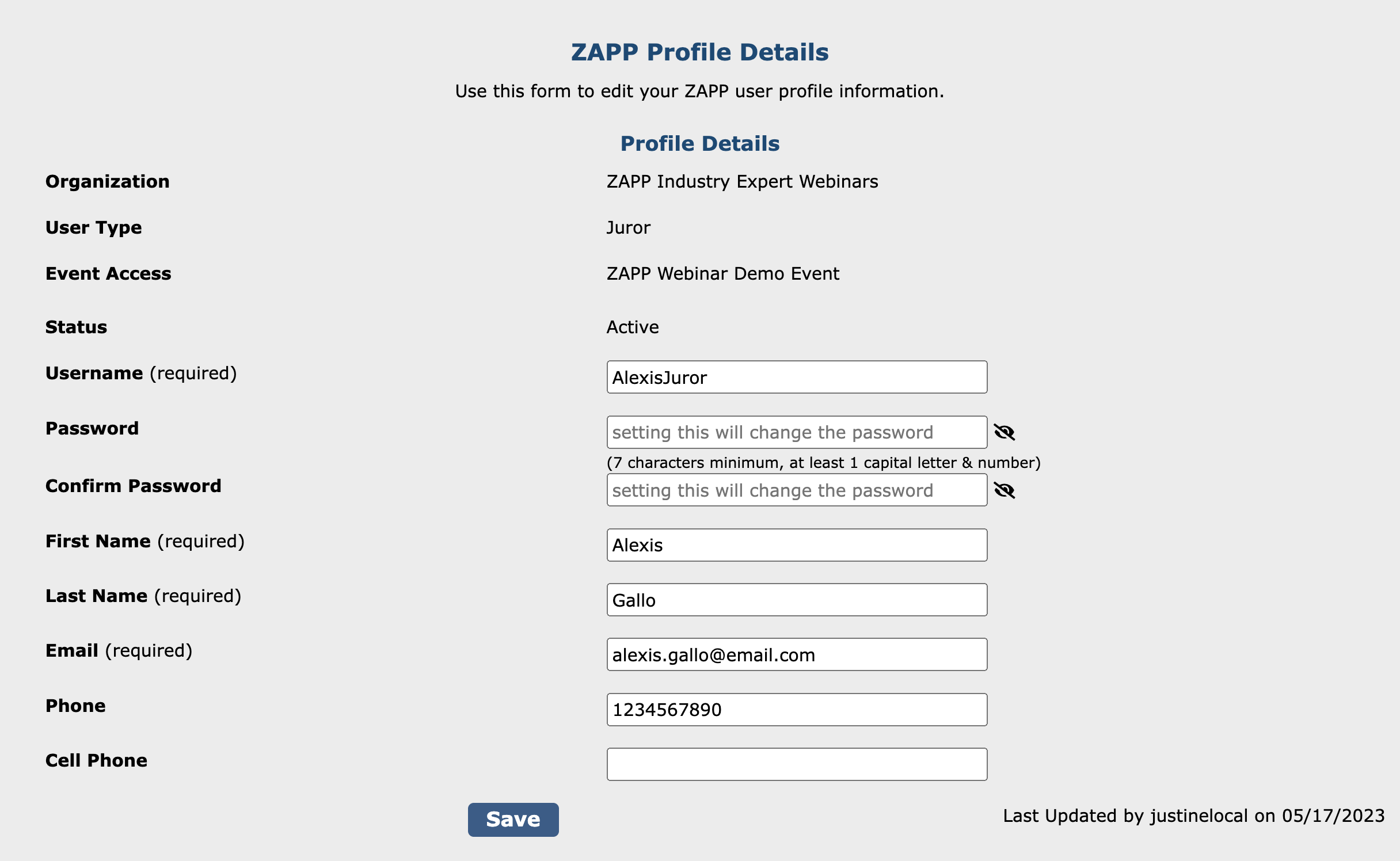
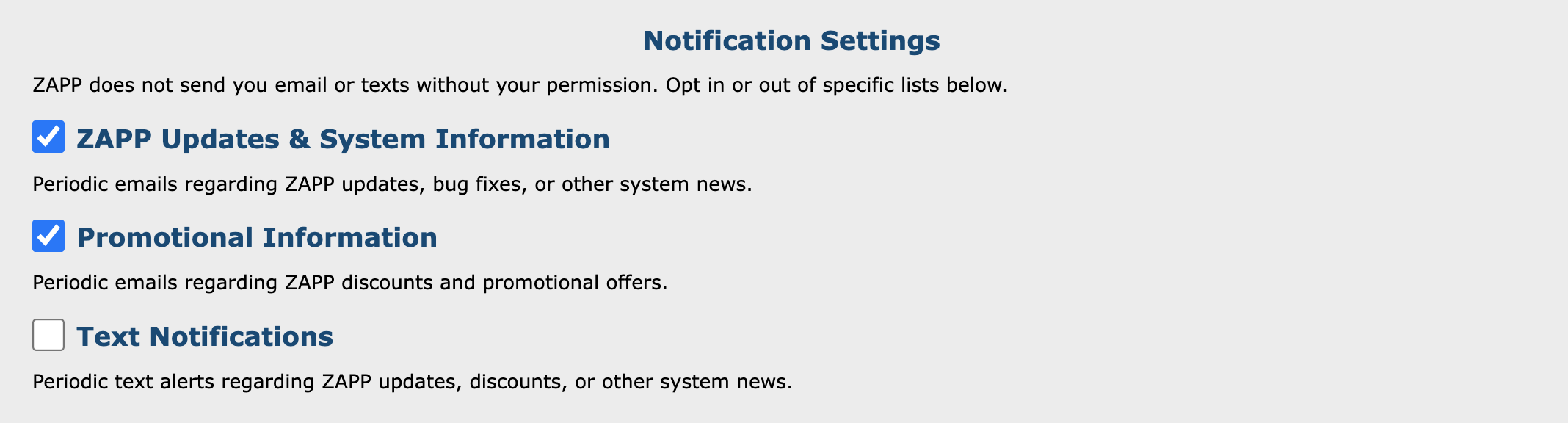
To access an event’s jury, you must log into ZAPP with your juror account. Each juror is assigned a unique username and password by the event administrator.
How to Log In:
- Go to admin.zapplication.org
- Enter the username and password provided by the event administrator.
- If you need to set up a password, enter your email address and username under Forgot Password. The system will email you a link to create a new password.
- Click Log In.
- If you are logging in for the first time, you must first choose your Multi-Factor Authentication (MFA) preference before you can access the ZAPP dashboard. Follow these steps to enable MFA.
- Click Main Jury Menu to access the Jury Landing Page.